
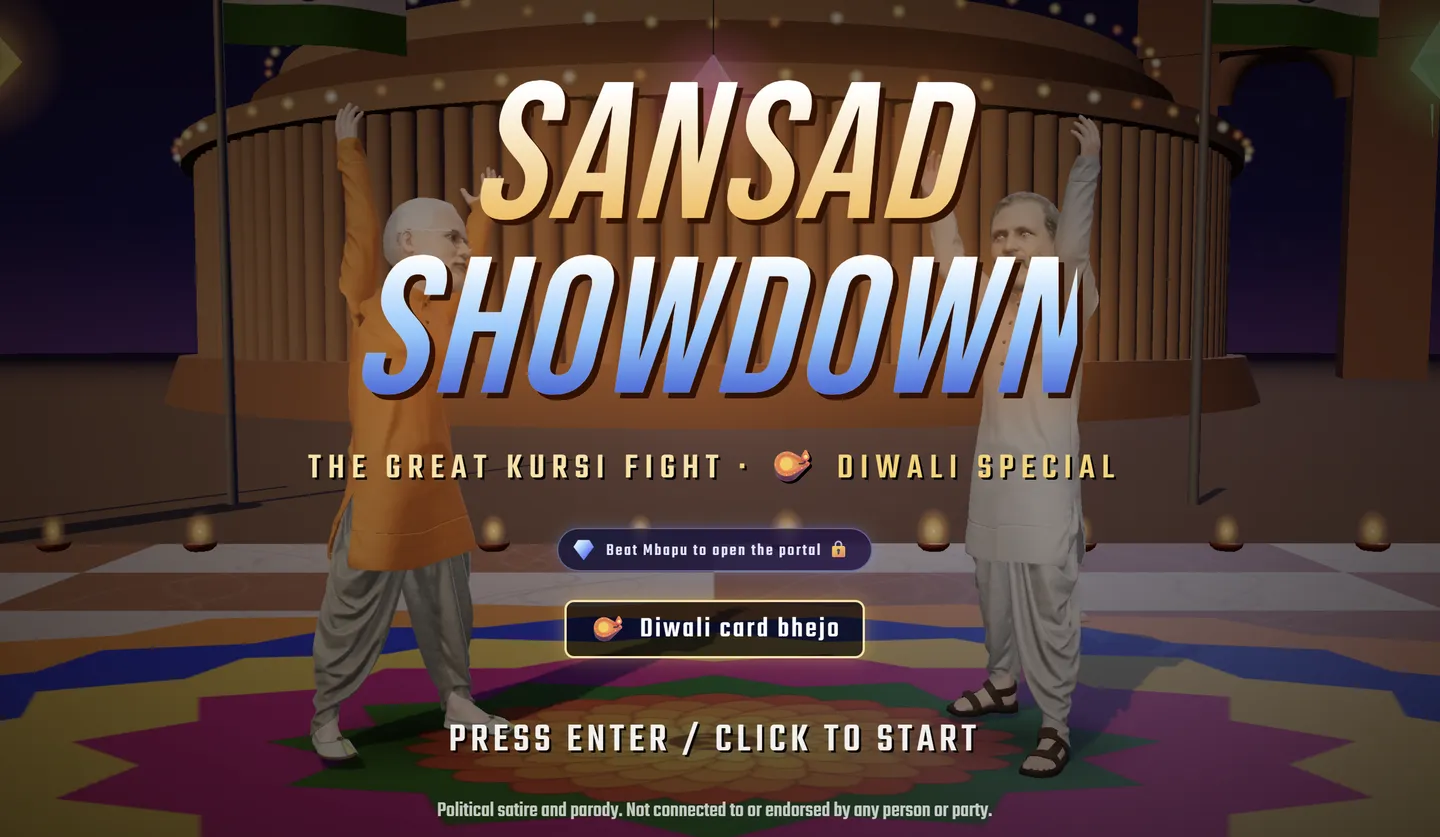
How to play Fight Karo
Start a browser match against the CPU or create a room for a friend. Follow the setup below, then check the Fight Karo round rules and mobile controls.
Updated November 8, 2026. Based on the official page's instructions; matches and friend-room connections have not been independently play-tested.
- Open the gameClick Play above. Read the game's satire notice, then press Enter or click the title screen to start.
- Pick both fightersFor 1P versus CPU, pick your fighter and then your opponent. On the selection screen, left/right arrows change your fighter and up/down arrows change the CPU.
- Set up the matchPress 1 for Easy, 2 for Normal, or 3 for Hard, or select a difficulty on screen. Use T to change stages. Try Easy while learning the controls.
- Start fightingPress Enter or select FIGHT. Try movement and single attacks before combining inputs.
- Pause or try againEsc opens CHAI BREAK. Choose RESUME to continue or QUIT TO SELECT to return to selection. After winning, choose REMATCH or CHARACTER SELECT.
Keyboard controls
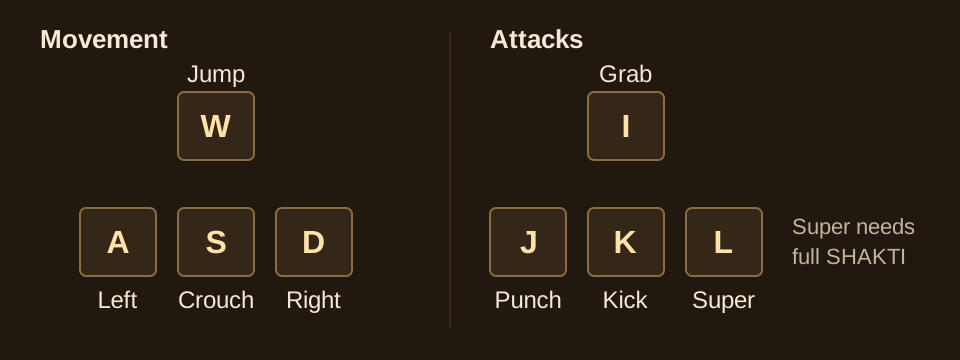
- Move
- A / D or arrow keys
- Jump / crouch
- W / S or ↑ / ↓
- Block
- Hold back
- Punch / kick
- J / K
- Grab
- I or J + K
- Super
- L or Space
- Pause
- Esc
- Music / mute
- M / N
How rounds and matches work
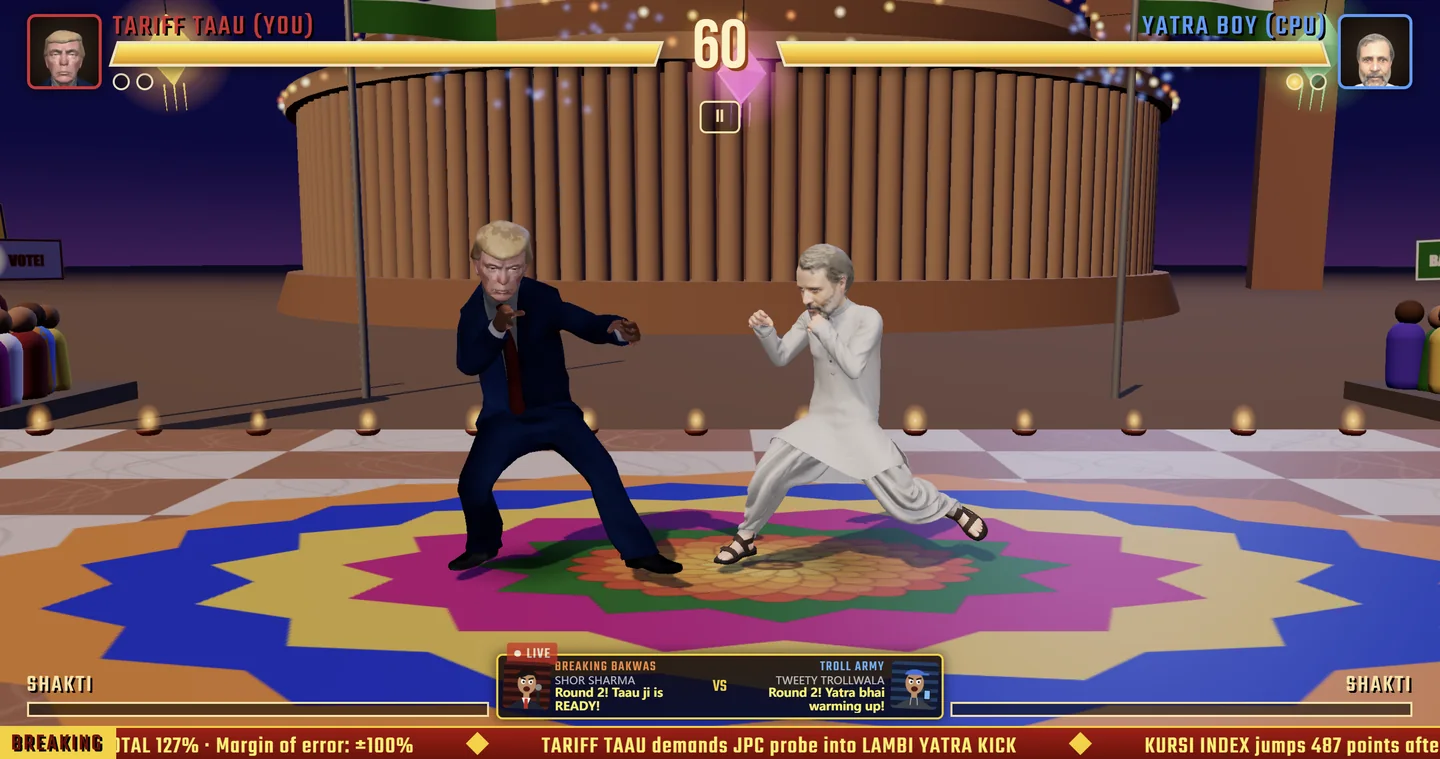
Published gameplay guidance describes a 60-second starting timer per round and a match won by taking two rounds. A 1–1 score leads to a deciding round; tied rounds can extend the match.
Watch both health bars, the timer and the round score. The timer is for the current round, not the whole match. These rules come from the reference guide linked below and have not been independently play-tested here.
Choosing a stage
The selection screen offers SANSAD, JANTAR MANTAR and DESI SADAK. Click a stage or press T to cycle through them. The official control legend does not describe separate combat rules for each stage; do not assume a gameplay advantage from its backdrop.
Fight Karo combo practice
First, move toward and away from your opponent without attacking. Then try a punch and a kick separately. Watch what happens before pressing another key; this makes it easier to understand which action produced the result.
The official combo list includes J, J, K and K, K. Commas mean a sequence, while a plus sign means simultaneous inputs. Practise one sequence at a time; no exact timing or guaranteed damage is claimed here.
Once movement feels comfortable, alternate attacking and defending. Change one thing between attempts—your distance, your input sequence, or your fighter—so you can tell what helped.
Give each practice attempt one small goal. For a movement attempt, focus on stopping at the distance you intended. For an attack attempt, press a single key and observe the animation before trying a sequence. If a sequence does not seem to work, return to the keyboard control reference and check the keys before assuming that your fighter cannot use it.
Use the same setup for a few attempts and note what you changed. A useful note might be “I pressed the second key before the first attack finished,” rather than “this fighter is weak.” This is a learning suggestion, not a tested strategy or a damage ranking. Once you can repeat an input comfortably, try it in a match and pay attention to how distance changes the result.
Fight Karo mobile controls
Rotate to landscape. The on-screen stick handles movement, jumping and crouching; PUNCH, KICK, GRAB and SUPER handle attacks. SUPER requires a full SHAKTI meter.
Before starting, make sure your fingers can reach the controls without covering the fight. If browser controls take up too much space, follow the game's fullscreen prompt. Keep this guide in a separate tab for reference.
Play Fight Karo with a friend
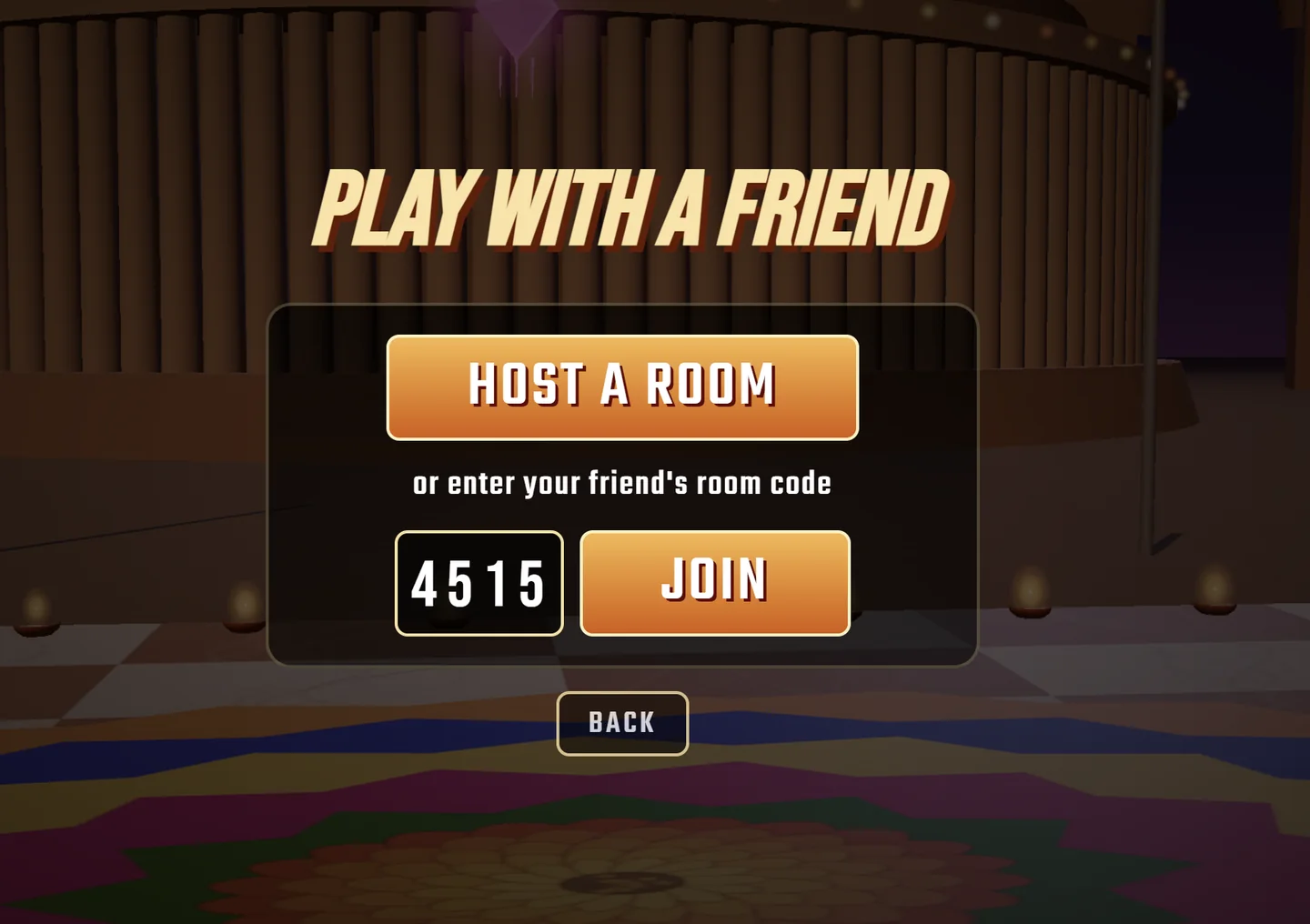
- Both players open the gameEach player visits fightkaro.com and selects PLAY WITH A FRIEND.
- One player hostsSelect HOST A ROOM and send the displayed room code to your friend.
- The other player joinsEnter that code in the CODE field and select JOIN, then follow the game's current setup prompts.
If joining fails, compare the code carefully and ask the host whether the room is still open. Avoid repeatedly creating new rooms while your friend is trying an older code. This is a troubleshooting suggestion, not a verified connection fix.
Before troubleshooting, identify which step failed: opening the game, creating a room, entering a code, or starting the match. Tell your friend which screen you can see so you are working on the same step. If you decide to start over, agree which player will host again and use the newly displayed code. Do not assume a guide link contains room details.
For input or audio issues, use the Fight Karo troubleshooting answers below. Avoid changing browser, device and room code all at once; checking one thing at a time makes the result easier to understand. Reloading may end your current session, so let the other player know before doing it. These checks cannot guarantee that the game's connection service is available.
Meet the Fight Karo fighters
The official selection screen lists eight fighters and a separate Mbapu boss card, checked November 8, 2026.
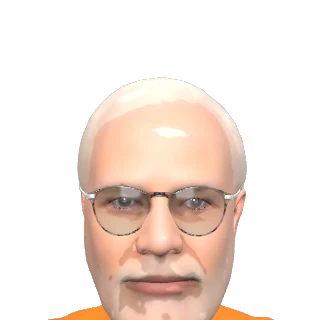








Character artwork: Fight Karo official game. Names and artwork belong to their respective owners.
What is Fight Karo?
Fight Karo, also known as Sansad Showdown, is a browser fighting game with a political satire and parody theme. Its arcade-style battles turn the spectacle of a showdown into a game.
The game is available on its official website. This page is an independent guide and is not operated by its creators.
Fight Karo frequently asked questions
What is Fight Karo?
Fight Karo, also known as Sansad Showdown, is a browser fighting game built around political satire and parody.
Where can I play?
Visit fightkaro.com to open the official browser game.
Is this the official game website?
No. Fightkaro.net is an independent fan guide and is not affiliated with the game's creators.
Why does Play open another website?
The game runs on fightkaro.com. Play opens it in a new tab so you can keep this guide available alongside your match.
What should I do if the controls do not respond?
Make sure the game tab is active and no browser menu or text field has focus. Check whether the game is paused. If it remains unresponsive, reload it; your current match may be lost.
Why is there no sound?
Check the game's sound controls, the browser tab's mute setting, and your device volume. Click inside the game before trying again.
How can I practise Fight Karo combos?
Start with movement and individual attacks, then try one sequence from the game's control legend. For example, J, J, K means pressing those keys in order. Keep the same fighter while practising so you can compare your attempts without changing several things at once.
Can I keep the guide open while playing with a friend?
Yes. Use Play to open the official game in another tab and keep this guide available. Before switching away, agree who will host the room and who will join. Share the game's room code with your friend; sharing this guide's link does not create or join a match.